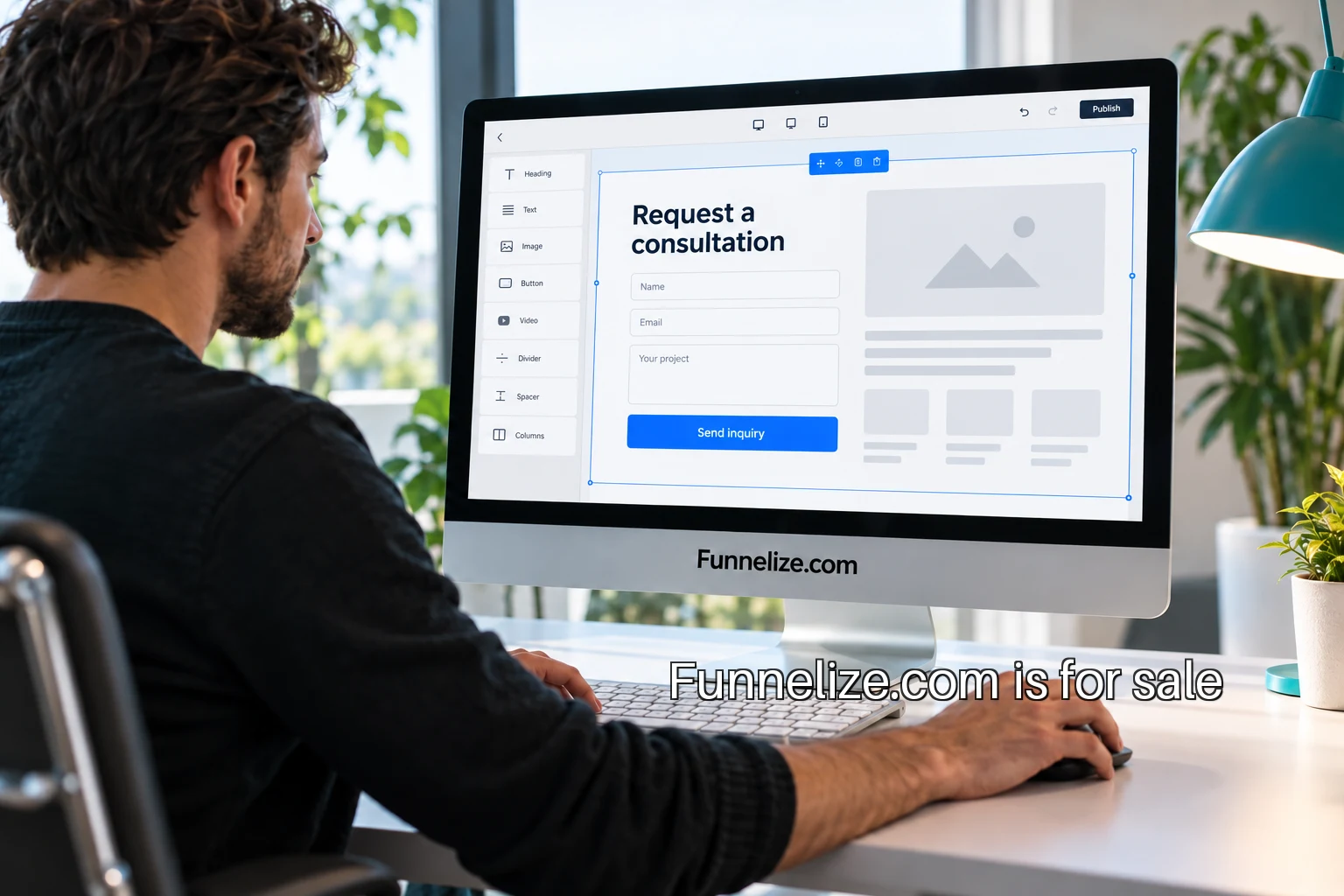
A service business often needs a useful conversation more than an online checkout. The visitor wants to know whether the company handles the job, serves the location and has a sensible next step. A funnel builder organized around that job could be a strong use of Funnelize.com. The product would help an operator turn one service offer into a clear inquiry journey, with the right information reaching the person who can act on it.
The following example is an illustrative product concept. Start with one service category, such as independent office fit-out consultants. Their inquiries may require location, approximate space, the stage of the project and the best contact. A generic contact form collects a message. A focused builder can help the operator ask the questions needed to decide what happens next, while giving the visitor a straightforward way to begin.
Sell one complete journey
The first offer could contain one service page, one inquiry form, one confirmation and one routing rule. That is a more manageable unit than a page editor promising every kind of website. The operator begins by choosing a service and describing the first conversation they want. The product then guides them through the content and questions needed for that conversation.
For the fit-out example, the page explains the kinds of workspace projects considered. The form asks where the project is and which stage it has reached. A person still investigating can describe the situation without inventing a final budget or construction date. A completed inquiry goes to a named owner, with enough context to decide whether to schedule a call. The customer buys a usable handoff, not a collection of interchangeable blocks.
Give the operator useful defaults
Templates should express decisions. A location field needs a reason, an explanation if necessary and a place in the resulting inquiry record. Questions that do not change routing or preparation can wait until a later conversation. The builder can show an operator which fields are required, why each was included and what happens when the visitor leaves an optional question blank.
Accessible form structure belongs in those defaults. The W3C forms tutorial describes labels, instructions, validation and notifications as connected parts of the form experience. A template system can carry that structure into each published journey rather than making every operator discover it independently. The product interface should make a clear label easier to create than an unlabeled field.
Design the handoff before the dashboard
The first operational screen could be an inquiry record with its source page, submission status, selected service and assigned owner. A small business does not need a complicated chart to find a request that has no owner. The product should distinguish a visitor pressing the button from the server accepting the information and from a team member taking responsibility for it.
A pilot could begin with an email notification and a simple queue. Record failures visibly, keep enough information to investigate them and avoid silently retrying a request whose outcome is unknown. If the operator changes the destination address, provide a controlled verification step. Those operational choices determine whether the builder can be relied on during a busy week.
A first route to customers
A credible distribution path is a small set of web studios already serving the chosen category. Show them a complete inquiry journey for the kind of client they know. Ask which questions their clients repeatedly request, which fields visitors misunderstand and what happens after a submission. A studio has a reason to evaluate a tool that can reduce repeated setup and support work.
The pilot should have a written boundary: one service category, one destination, a limited number of pages and a defined support contact. Ask participating operators to walk through recent inquiries and explain which were actionable. That conversation is more informative than asking whether they like a template. It exposes the differences between an attractive form and a useful piece of an operating process.
What the first team needs to build
The technical work includes a page editor, a structured form definition, accessible rendering, server validation, spam controls and inquiry routing. Someone also needs to own template updates, support and recovery when a destination fails. A narrow initial category makes those responsibilities easier to see. Keeping the first category narrow also gives support staff a consistent set of questions to investigate.
The W3C guidance on labeling controls is a useful implementation reference for the rendered fields. The product still needs its own browser checks on a phone, with a keyboard and with the conditional questions expanded. A template that works in the editor must remain understandable after an operator changes its wording.
Before building the editor, interview operators in one service category and draw the inquiry handoff they use today. Turn one of those maps into a working sample, then test it with the people who would receive the requests. Funnelize gives that focused product a name for the workspace, the published page and the customer demonstration. An acquisition inquiry can describe the service category and the kind of builder planned for the domain.