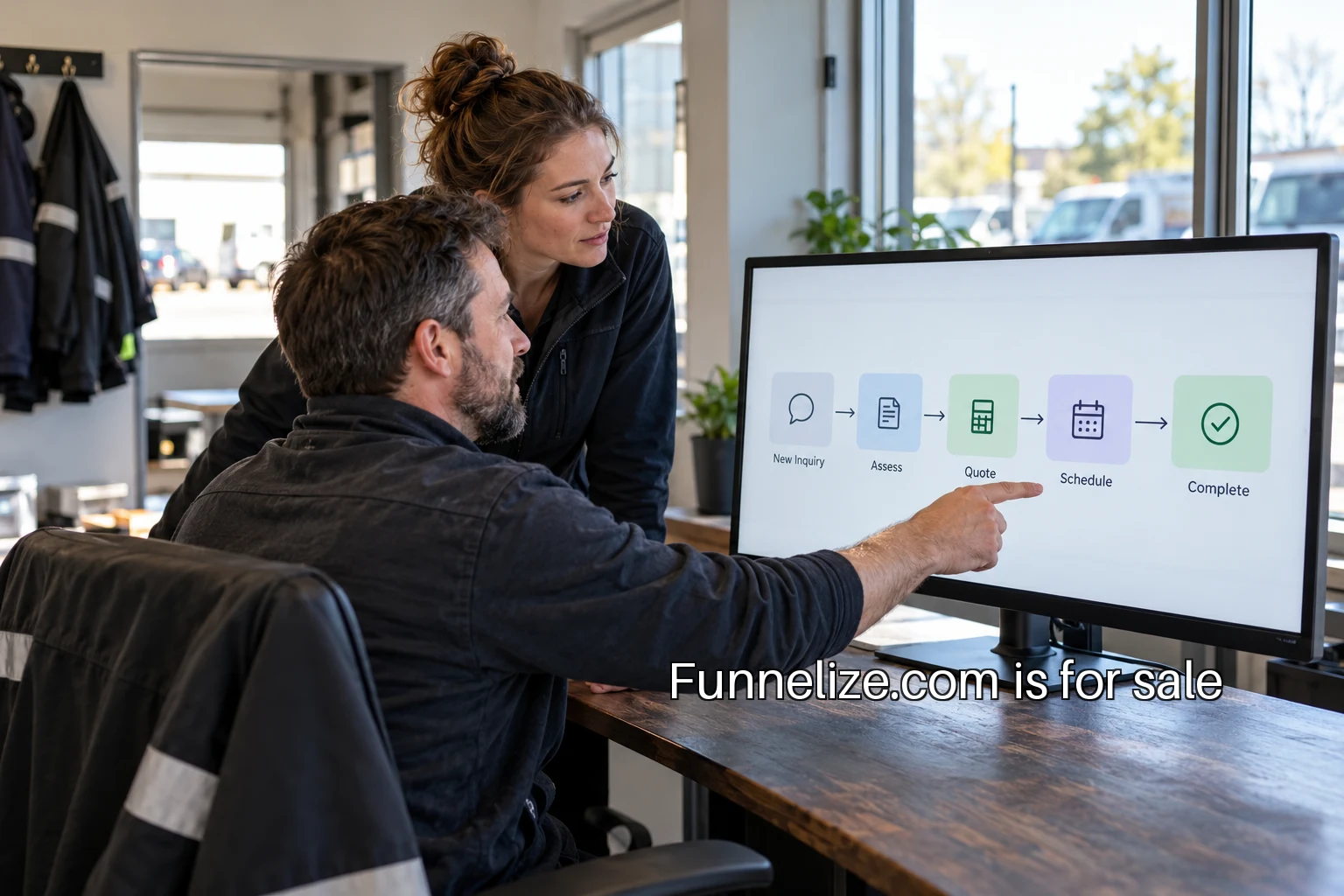
A funnel tool is easier to evaluate when the team can describe the journey it needs to support. Start with one real task: a visitor wants to ask whether a service is suitable for their situation. Follow that request until somebody on the team is responsible for the next conversation. The resulting map can be short, but it should connect the visible website to the work that happens after submission.
Use a recent inquiry if you have permission to inspect it, with personal details removed from the working document. If no suitable record is available, build a labeled test scenario. The point is to follow a complete path. A collection of disconnected screenshots will show screens, but it will leave the handoffs between those screens unexplained.
Choose the journey's boundary
For a worked example, imagine an office design consultancy receiving a request about a workspace project. The journey begins on a page describing the service and ends when the request has an assigned owner. A later sales process may include a discovery call, a proposal and a decision. Keep those later steps outside this first map so the team can finish one useful piece of work.
Write the boundary in a sentence at the top of the document. State the visitor's question, the intended next action and the completion signal. In this example, the visitor wants to know whether the consultancy can help with a project in a particular location. The intended action is an inquiry. Completion means the receiving team has a usable record and an owner, not merely that a button was pressed.
Record five things at every step
For each stage, write the visitor's action, the system involved, the responsible owner, a possible failure and the evidence of completion. A simple table works well. Keep the language concrete enough that another person could perform the same walkthrough. Replace a label such as engage with an action such as open the service page or submit the project details.
On the service page, the action might be reading the scope and choosing the inquiry link. The website owns the screen, while a content owner maintains its claims and examples. A failure could be a link that goes to an unrelated general contact page. The evidence of the next step is the correct inquiry form opening with the appropriate service context preserved.
On the form, the action is providing contact and project information. The receiving endpoint processes the request. A failure might be an invalid field, an expired security challenge or a network interruption. Completion evidence belongs to the processing system: the request was accepted and recorded. The screen shown to the visitor should describe that state accurately.
At assignment, the action belongs to the receiving team or its routing system. The failure may be a record sitting in an unowned queue. Completion is the named person or team accepting responsibility for the next step. This is often where a website-only map ends too early. The visitor has completed the form, but the business still has work to do.
Keep the visitor's questions beside the steps
A map becomes more useful when it captures what the person needs to understand. Before opening the form, the visitor may ask whether the consultancy works in their area. At the form, they may wonder whether an estimated move date is acceptable. After submission, they want to know what happened and what they should do next.
These questions help the team choose content and fields. If location determines service availability, make it easy to find before the form and ask for it clearly when needed. If a project date can be approximate, say so. The map should expose places where the interface forces the visitor to make up an answer simply to continue.
Agree on measurement definitions
Decide which journey the report is intended to describe. Google Analytics documents open and closed funnels: open funnels permit entry at any step, while closed funnels require entry at the first step. That distinction matters when some people arrive directly at the inquiry page through an email link or a saved bookmark.
A report about the service-page journey might reasonably require the service-page view first. A report about all accepted inquiries needs another population. Neither choice should be hidden in a chart title that simply says leads. Put the entry rule, order of steps and time window beside the map. The team can then evaluate whether a proposed tool supports the question it actually wants to answer.
Keep observations separate from business outcomes. A page view, a form start, an accepted request and an assigned inquiry are different events. A consultation booked after a phone conversation belongs to another system and may require an explicit reconciliation step. Give each event a name and an owner before deciding how a dashboard should display it.
Walk the failure paths
Now perform the journey with an incomplete required field. Try a valid inquiry with an optional question left blank. Check the version reached from the service page and the one reached directly. Use a phone and a keyboard. For each attempt, record what the visitor sees and which records the receiving team can inspect. Avoid sending repeated test requests into a live team's queue without an agreed procedure.
The W3C forms tutorial is a useful reference for the visible form experience. Your map adds the business-specific context: which answer drives a decision, where the request goes and who handles a failure. Those details are what a vendor demonstration often leaves out unless the buyer asks.
Turn the map into a tool evaluation
Bring the map to a product demonstration and ask the vendor to show the complete path. Can the service context be preserved? Can a routing rule be tested? Where does an unsuccessful request appear? Can the team inspect an accepted record? How does a direct arrival affect the report? Ask for the relevant screens rather than accepting a general feature name.
The map also helps identify which work belongs outside the tool. The website builder may publish the form, a separate service may process it and the customer system may own assignment. Write down those boundaries and the person responsible for each connection. A small amount of explicit integration work is easier to plan than a missing handoff discovered after launch.
Finish by choosing one improvement and one verification step. For the consultancy example, that might be a clearer project-stage question and proof that each answer reaches the intended queue. Keep a dated copy of the map. When the team later changes a page, a field or a routing rule, it has a shared record of the journey that change is supposed to support.